reMarkable Stickers for Paper Pro & reMarkable 2
reMarkable Stickers for Paper Pro & reMarkable 2
Couldn't load pickup availability
Create and use digital stickers directly on your reMarkable with this versatile sticker kit designed for reMarkable Paper Pro and reMarkable 2. This digital PDF includes a collection of shapes, functional icons, and decorative elements that can be captured and reused with the reMarkable Capture Tool.
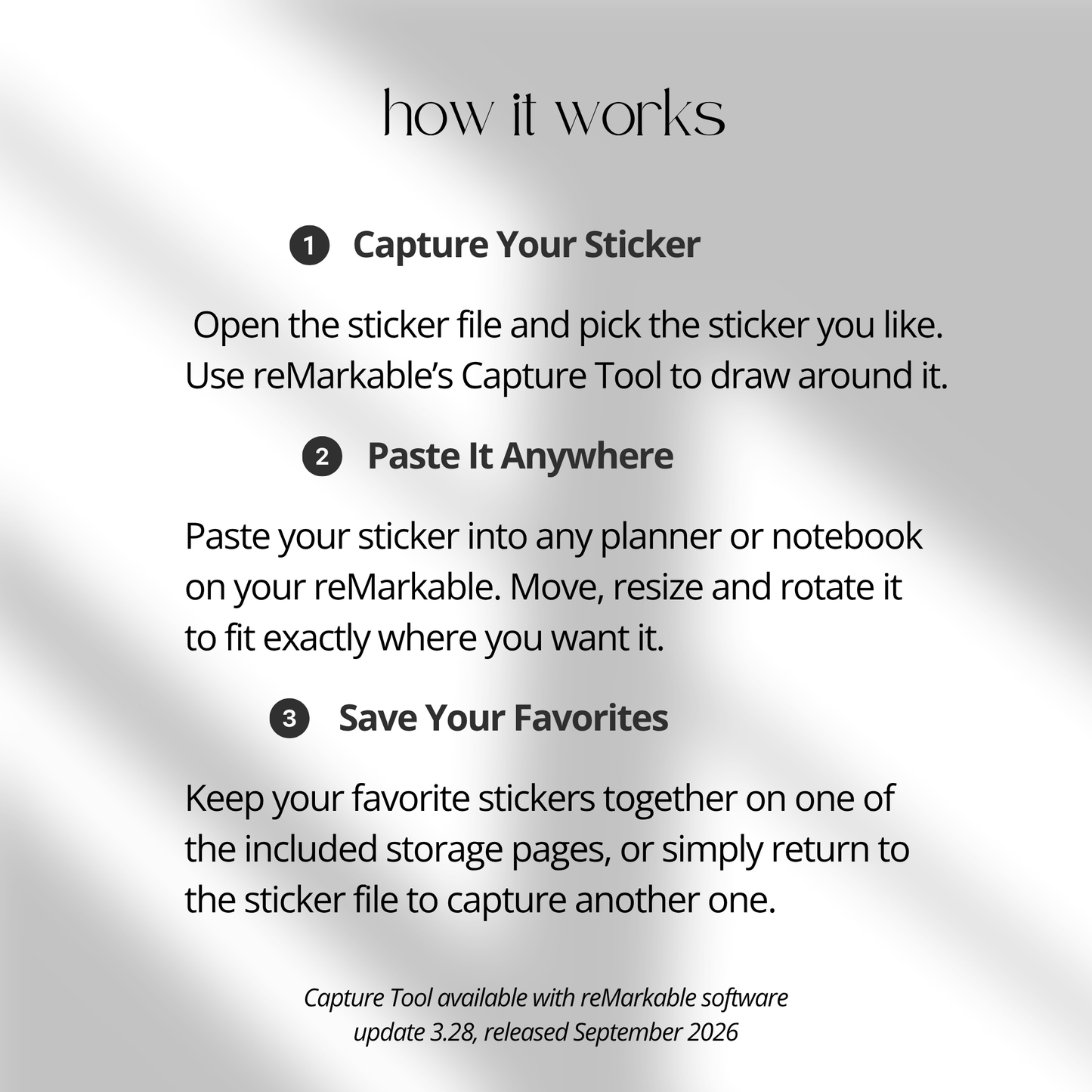
With the Capture Tool, you no longer need to trace stickers or install anything special. Simply open the PDF on your compatible reMarkable device, capture the sticker you want, and paste it into your notebook, planner, or journal. You can then move, resize, and rotate your stickers to create the layout you want.
The Capture Tool was introduced with reMarkable software version 3.28. Make sure your reMarkable is running software version 3.28 or later to use this workflow.
What’s included
• Digital sticker PDF with shapes, icons, and decorative elements
• Functional icons for planning and organization
• Decorative elements for notes, journals, and planners
• Organized category pages
• Hyperlinked navigation
• Hyperlinked storage pages
• Beginner-friendly Capture Tool guide
Shapes
• A variety of visual shapes for planning and organization
• Useful for labels, sections, highlights, and note markers
• Capture and reuse the shapes directly in your digital notebooks
Functional icons
• Icons for tasks, reminders, schedules, productivity, and planning
• Useful for digital planners, notebooks, and journals
• Suitable for personal, school, and work-related organization
Decorative elements
• Add visual details to your digital notes and planner pages
• Minimal decorative designs for clean and organized layouts
• Great for journaling, planning, and creative note-taking
Capture Tool workflow
The new reMarkable Capture Tool makes it simple to turn visuals from this PDF into reusable digital stickers.
• Open the sticker PDF on your reMarkable
• Use the Capture Tool to capture the visual you want
• Paste the captured sticker into your notebook or planner
• Move the sticker wherever you need it
• Resize it to fit your layout
• Rotate it to create the look you want
• Reuse your favorite stickers across your digital notebooks and planners
No tracing or special installation is needed.
Hyperlinked organization
• Categories are organized into dedicated pages
• Hyperlinked navigation makes it easy to move between sections
• Quickly find shapes, icons, and decorative elements
• Organized layouts make the sticker collection easy to use
Storage pages
• Includes dedicated pages for keeping your sticker collection organized
• Keep frequently used visuals easy to access
• Create a simple reusable sticker workflow across your notebooks and planners
Capture Tool guide
A beginner-friendly guide is included to help you understand how to use the reMarkable Capture Tool and get started with the sticker workflow.
The Capture Tool requires reMarkable software version 3.28 or later. For a step-by-step guide on using the Capture Tool, visit our reMarkable Capture Tool Guide.
Compatibility
• Designed for reMarkable Paper Pro
• Designed for reMarkable Paper Pure and reMarkable 2
• Requires reMarkable software version 3.28 or later
• Digital PDF format
• No RMDOC file required
• Digital download only
Product details
• Digital sticker collection for reMarkable
• Includes shapes, functional icons, and decorative elements
• Organized and hyperlinked PDF layout
• Hyperlinked storage pages
• Capture Tool guide included
• Designed for reMarkable Paper Pro, reMarkable Paper Pure and reMarkable 2
• Requires software version 3.28 or later
• Instant digital download after purchase
Bring more visual structure and personality to your digital notebooks, planners, and journals with this reMarkable sticker collection. Use the Capture Tool to quickly capture, paste, move, resize, and rotate your favorite visuals whenever you need them.