reMarkable Stickers for Paper Pro Move
reMarkable Stickers for Paper Pro Move
Couldn't load pickup availability
Organize your notes, ideas, reminders, and planning pages with this collection of digital sticky note stickers designed for reMarkable Paper Pro Move. This digital PDF includes a variety of square sticky notes, horizontal sticky notes, shaped notes, lined notes, and list-style memo stickers for everyday planning, journaling, studying, work, and note-taking.
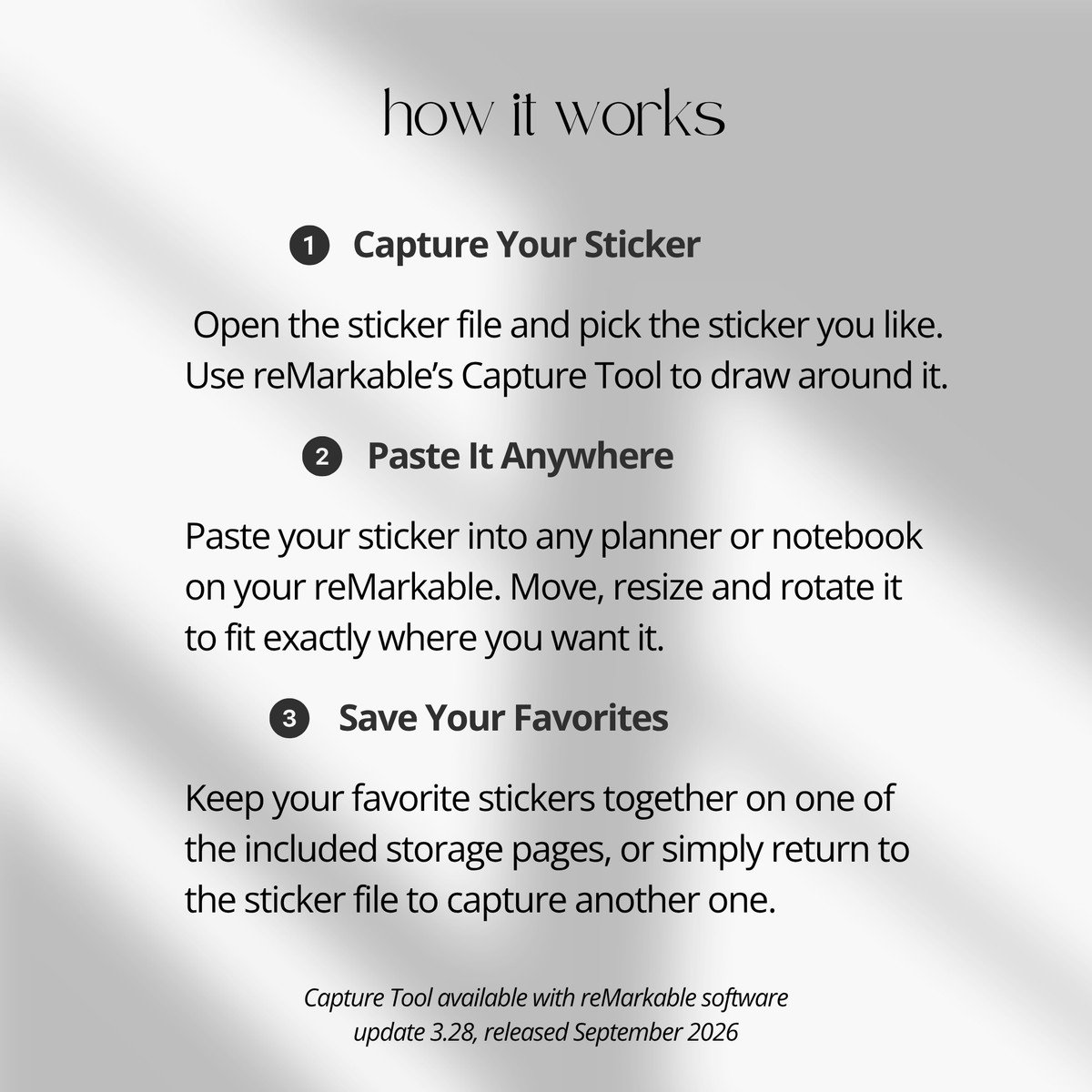
With the reMarkable Capture Tool, you can easily use the visuals in this PDF as reusable digital stickers. Simply capture the sticker you want, paste it into your notebook or planner, then move, resize, or rotate it to fit your layout.
The Capture Tool was introduced with reMarkable software version 3.28. Your reMarkable device needs to be running software version 3.28 or later to use this workflow.
What’s included
• Square sticky note stickers
• Horizontal sticky note stickers
• Shaped sticky note stickers
• Lined sticky note stickers
• List memo stickers
• Hyperlinked category index
• On-page hyperlinked navigation
• Step-by-step Capture Tool guide
Sticker collection
This sticker book includes a practical selection of sticky note and memo designs to help you organize your digital notebooks, planners, and everyday notes.
• Square sticky notes for reminders and quick notes
• Horizontal sticky notes for longer notes and labels
• Shaped sticky notes for adding visual variety
• Lined sticky notes for structured writing
• List memo stickers for tasks, checklists, and planning
• Minimal designs that work well with different notebook and planner layouts
Capture Tool workflow
The reMarkable Capture Tool makes it easy to use the visuals from this PDF as reusable digital stickers.
• Open the PDF on your reMarkable
• Use the Capture Tool to capture the sticker you want
• Paste the captured sticker into your notebook or planner
• Move it to the position you want
• Resize it to fit your page
• Rotate it to match your layout
• Reuse your favorite stickers whenever you need them
No tracing or special installation is needed. The stickers are provided in a digital PDF format designed to work with the Capture Tool workflow.
Hyperlinked organization
• Built-in hyperlinked index for quick category access
• Click directly to square, horizontal, shaped, lined, or list memo stickers
• On-page navigation makes it easy to move between sticker sections
• Organized layouts help reduce scrolling and keep the sticker collection easy to browse
Sticky note categories
Each category is designed for a different style of digital organization.
• Square notes for short reminders and ideas
• Horizontal notes for labels, longer reminders, and planning sections
• Shaped notes for creative notes and highlights
• Lined notes for writing more structured information
• List memos for tasks, routines, checklists, and productivity
Capture Tool guide
A step-by-step guide is included to help you get started with the Capture Tool and learn how to capture, paste, move, resize, and rotate stickers on your reMarkable.
The Capture Tool requires reMarkable software version 3.28 or later.
For a detailed walkthrough, see our reMarkable Capture Tool Guide.
Compatibility
• Designed for reMarkable Paper Pro Move
• Requires reMarkable software version 3.28 or later
• Provided as a digital PDF file for use with the Capture Tool
• The product is delivered as a PDF file, not an RMDOC file
• Instant digital download
• No physical item will be shipped
Product details
• Digital sticky note sticker collection
• Includes square, horizontal, shaped, lined, and list memo styles
• Hyperlinked category index
• On-page navigation
• Capture Tool guide included
• Digital PDF format
• Designed for reMarkable Paper Pro Move
• Compatible with software version 3.28 or later
• Instant digital access after purchase
Keep your reMarkable pages organized with a versatile collection of sticky note and memo stickers for planning, journaling, productivity, studying, and everyday note-taking. Use the Capture Tool to quickly capture, paste, move, resize, and rotate your favorite stickers wherever you need them.